
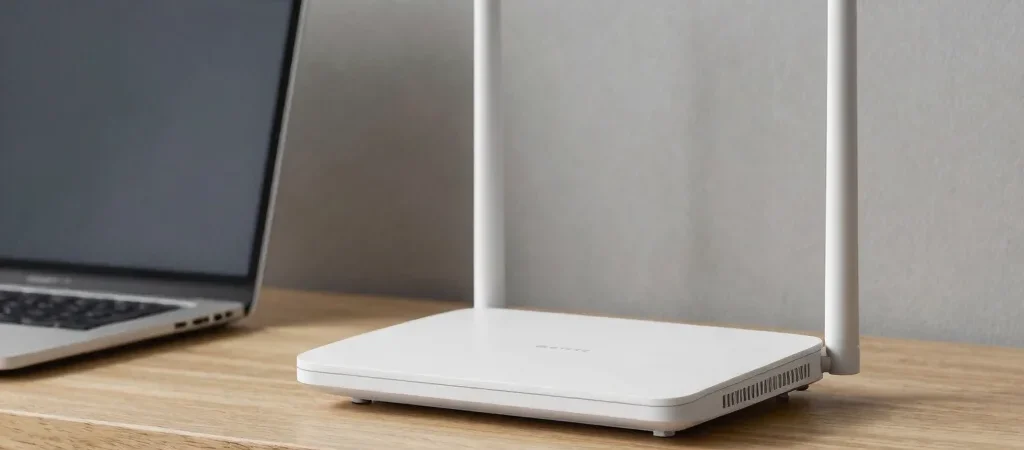
When a video buffers in the bedroom but plays fine next to the router, it’s tempting to blame your internet plan. Sometimes that’s the issue. But your router has a separate job from the equipment that brings internet service into your home, and that distinction can point you toward a simpler fix.
The two jobs behind your connection
Your modem, or a similar connection device, links your home to your internet provider. Your router takes that connection and shares it with devices around the house, over Wi-Fi or an Ethernet cable. Some providers supply one box that does both jobs, which is why the terms can get mixed up.
That difference matters when you’re troubleshooting. If every device has lost internet, the connection from your provider or the modem may be the problem; if one room has weak Wi-Fi while other devices work, the router’s signal or placement deserves a closer look.
Where the signal gets lost
Wi-Fi has to travel through your home, and walls, floors, and bulky furniture can weaken it. A router tucked inside a cabinet or pushed behind a TV has a harder job reaching devices than one placed in an open, central spot.
Try moving the router into the open and away from the edges of your home before shopping for an upgrade. Then test the same device in the same spot again; changing one thing at a time helps you tell whether the move made a difference.
A useful first check
When Wi-Fi acts up, check whether the problem affects one device, one room, or everything in the house. That quick distinction won’t diagnose every connection issue, but it gives you a more useful next step than assuming you need a faster plan or a new router.